At a Glance
The best CPAP humidity level varies from person to person based on climate, room temperature, and other factors. Heated humidification can be gradually adjusted to prevent or address dry mouth and nasal irritation from CPAP therapy.
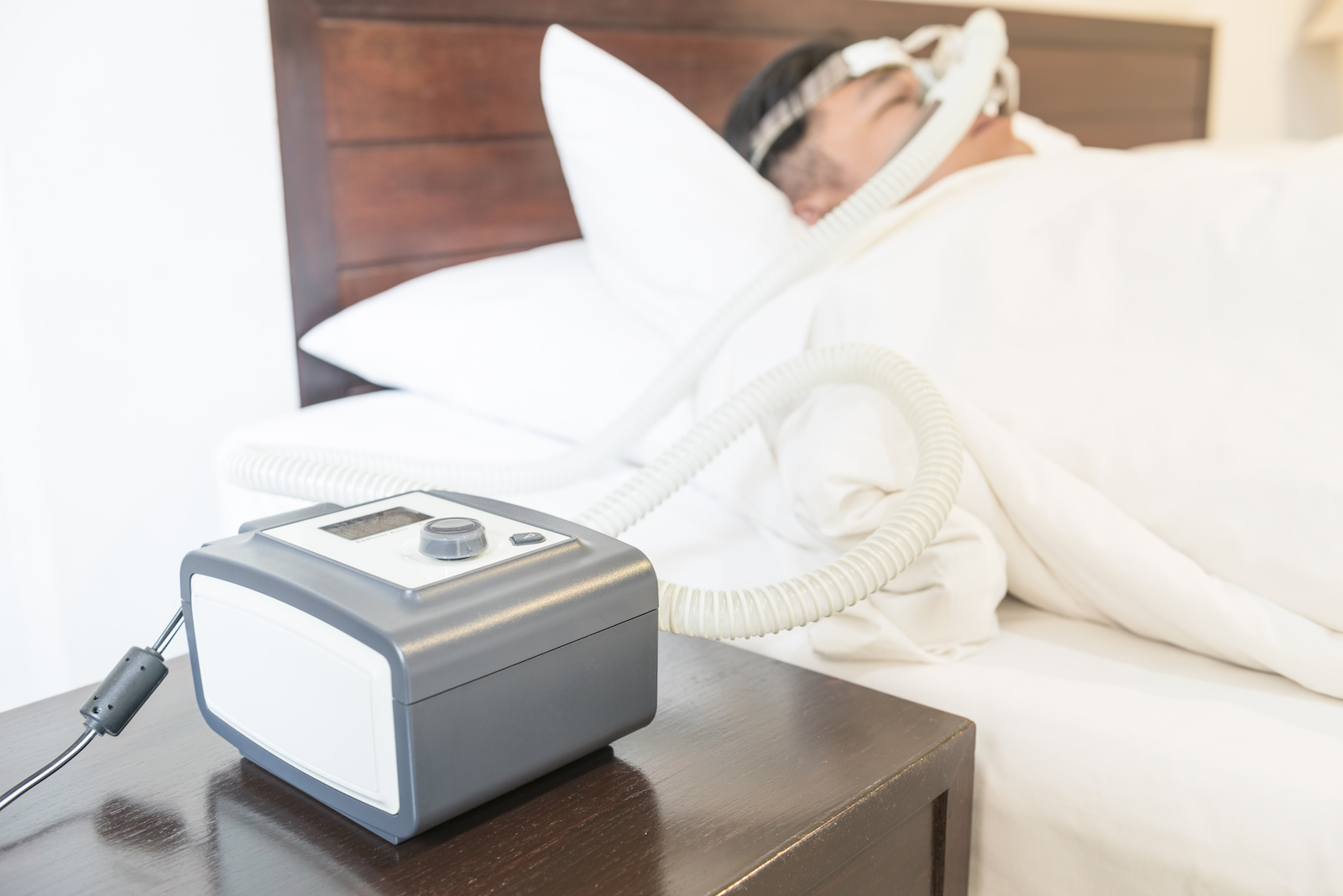
CPAP therapy for sleep apnea can cause bothersome side effects like dry mouth, nasal irritation, and congestion. A humidifier is designed to address these issues by adding moisture to the airflow from a CPAP machine.
Many devices have adjustable humidity ranges, allowing you to find the ideal humidity to make using a CPAP machine more comfortable. We explain CPAP humidity, including the factors that influence the best humidity level and how to make changes to your settings.
Need a CPAP Prescription? Start Here.

our partner at sleepdoctor.com
10% off Home Sleep Tests
Buy Now“Truly grateful for this home sleep test. Fair pricing and improved my sleep!”
Dawn G. – Verified Tester

Simple and convenient
- Equipment delivered to your doorstep
- One overnight test in the comfort of your own bed

Uncover sleep apnea
- Quietly collects data while you sleep
- 98% effective in detecting sleep apnea

Affordable & ships fast
- Arrives in 2-4 business days
- In-lab sleep tests cost ~$3,000+ (this one’s $189), HSA/FSA eligible


Types of CPAP Humidifiers
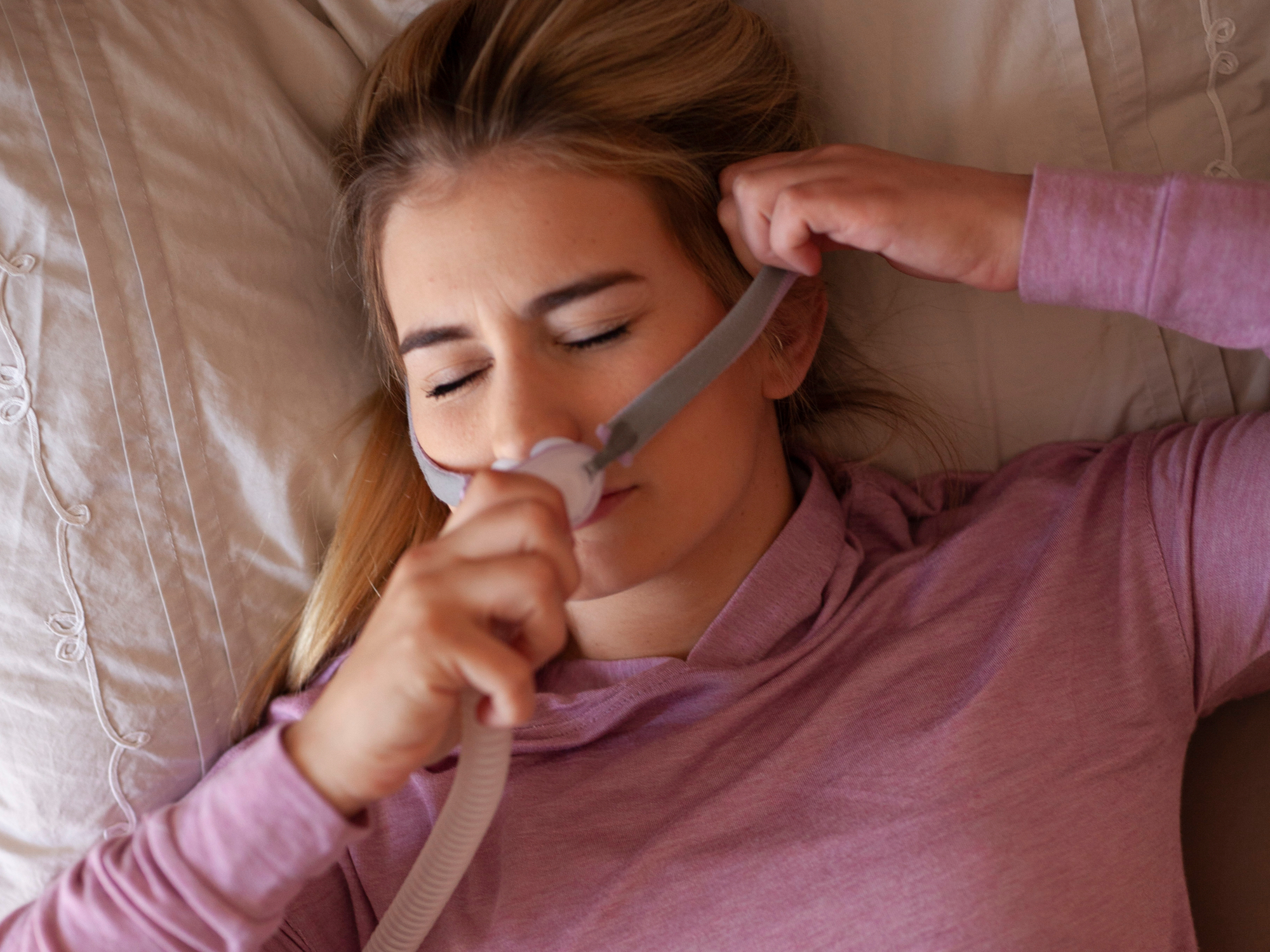
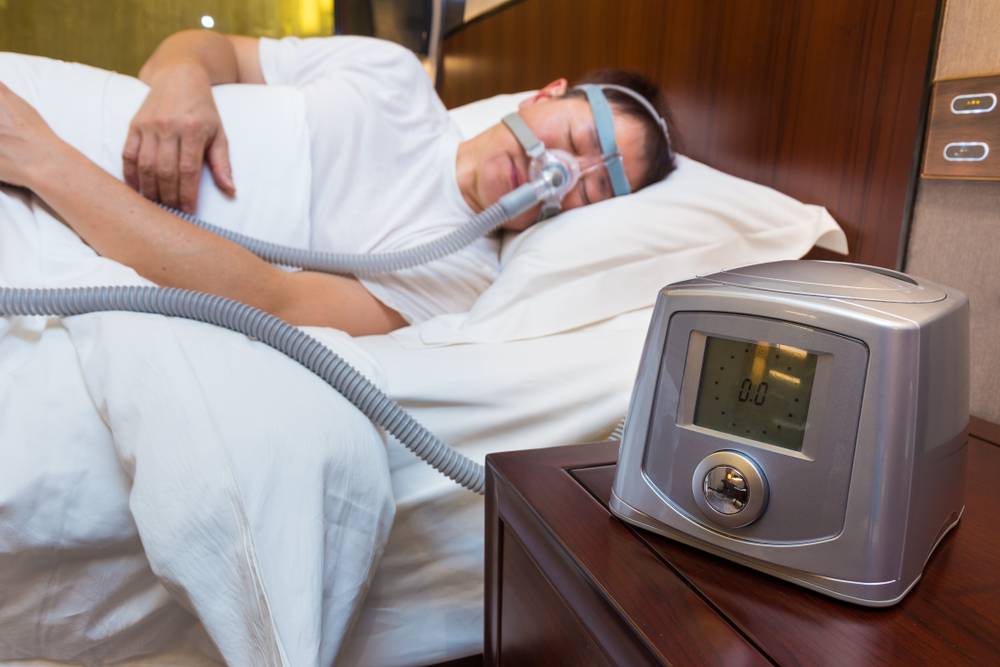
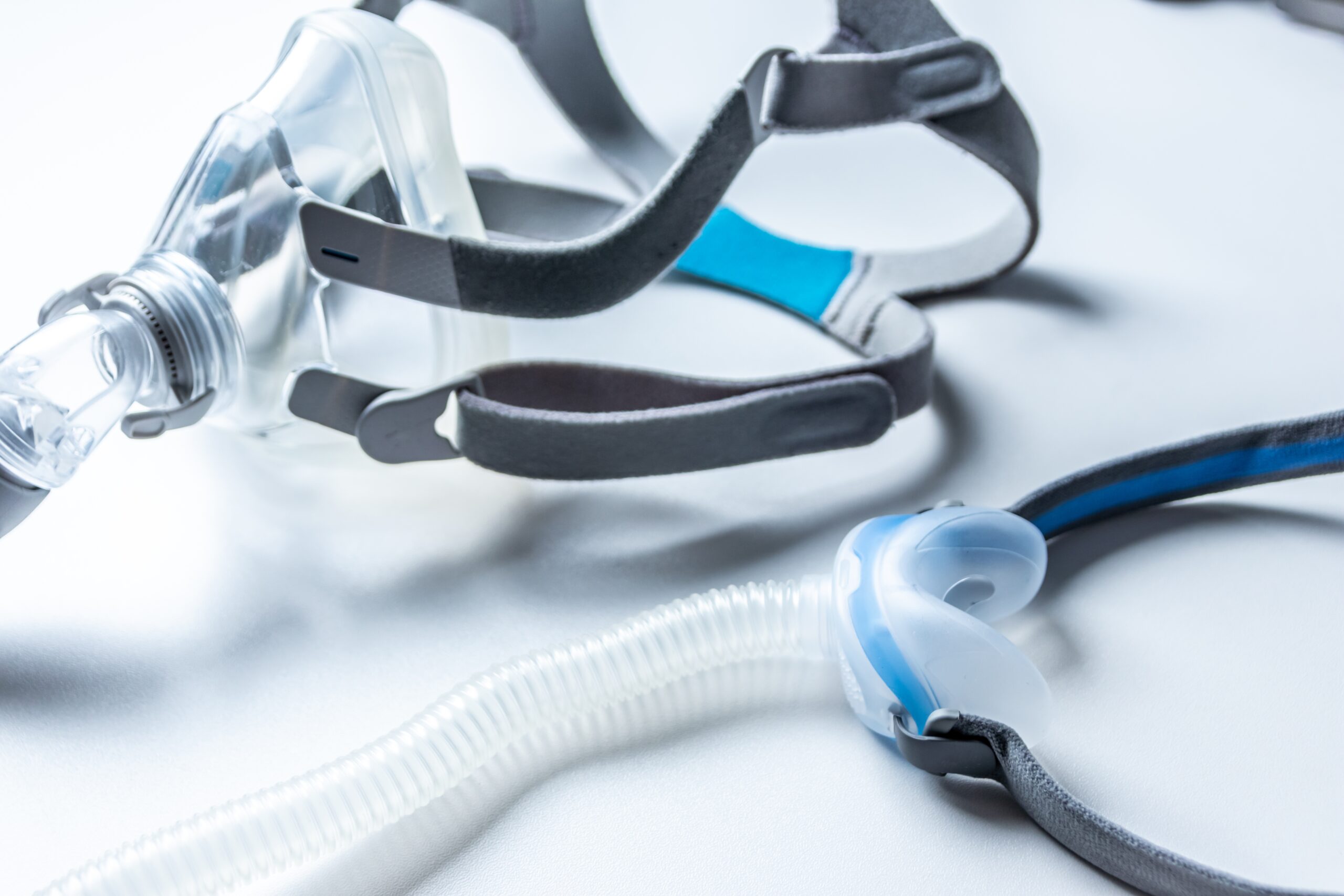
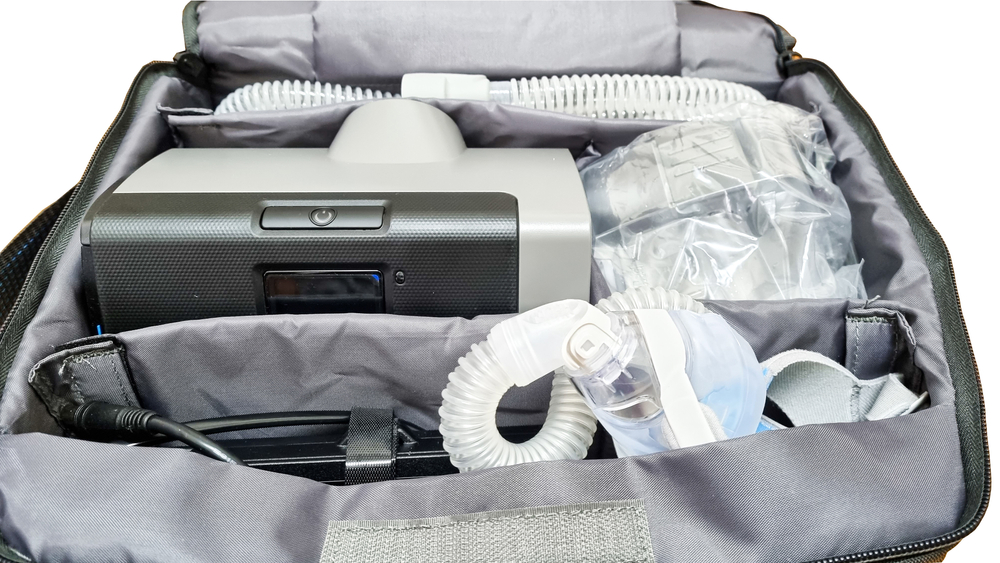
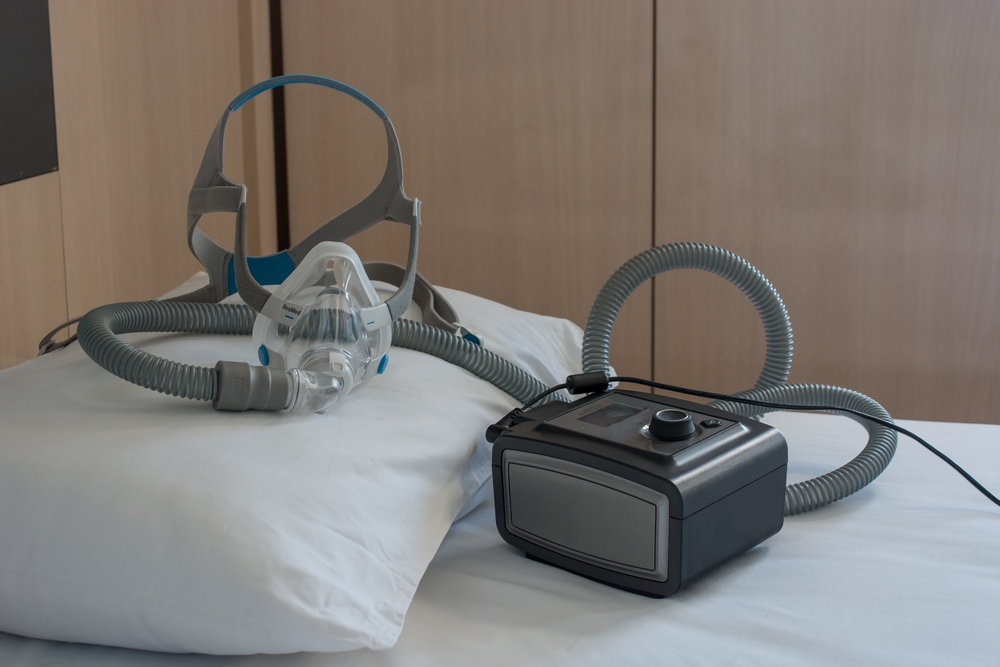
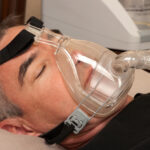
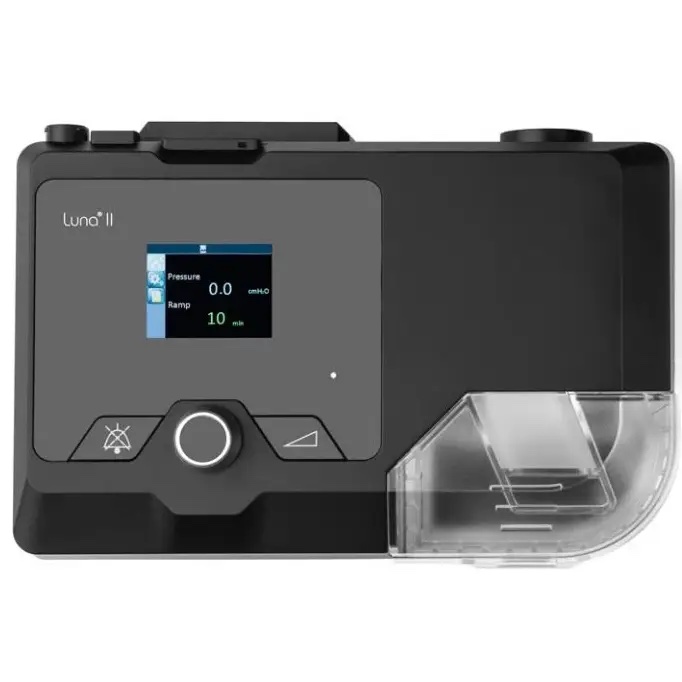
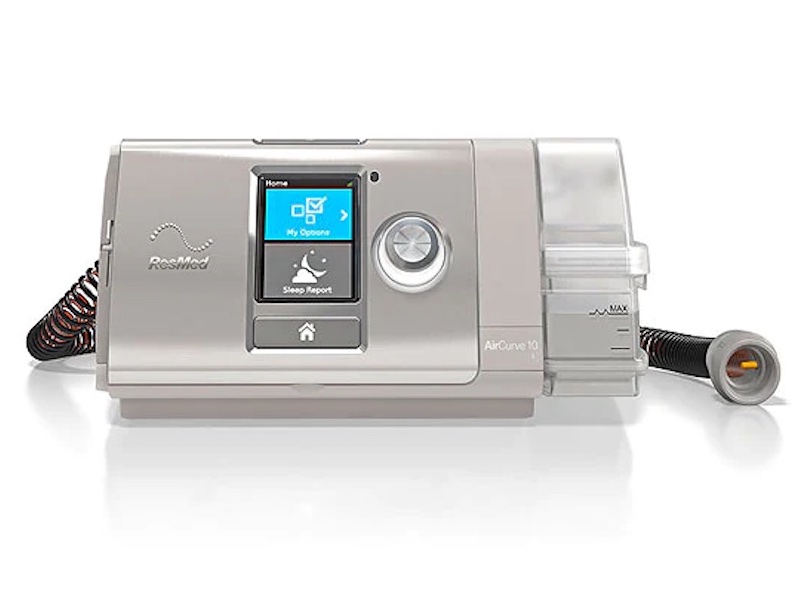
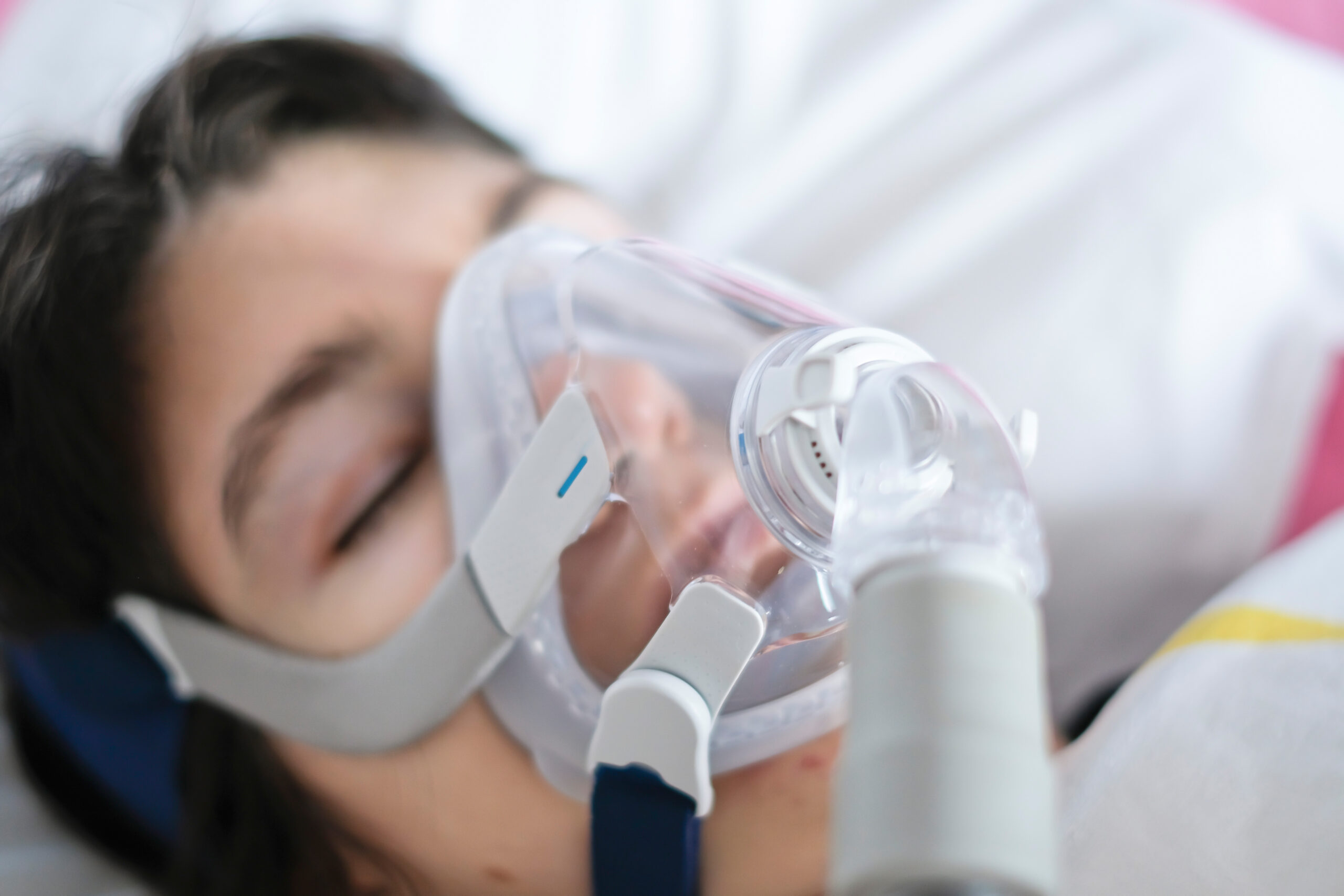
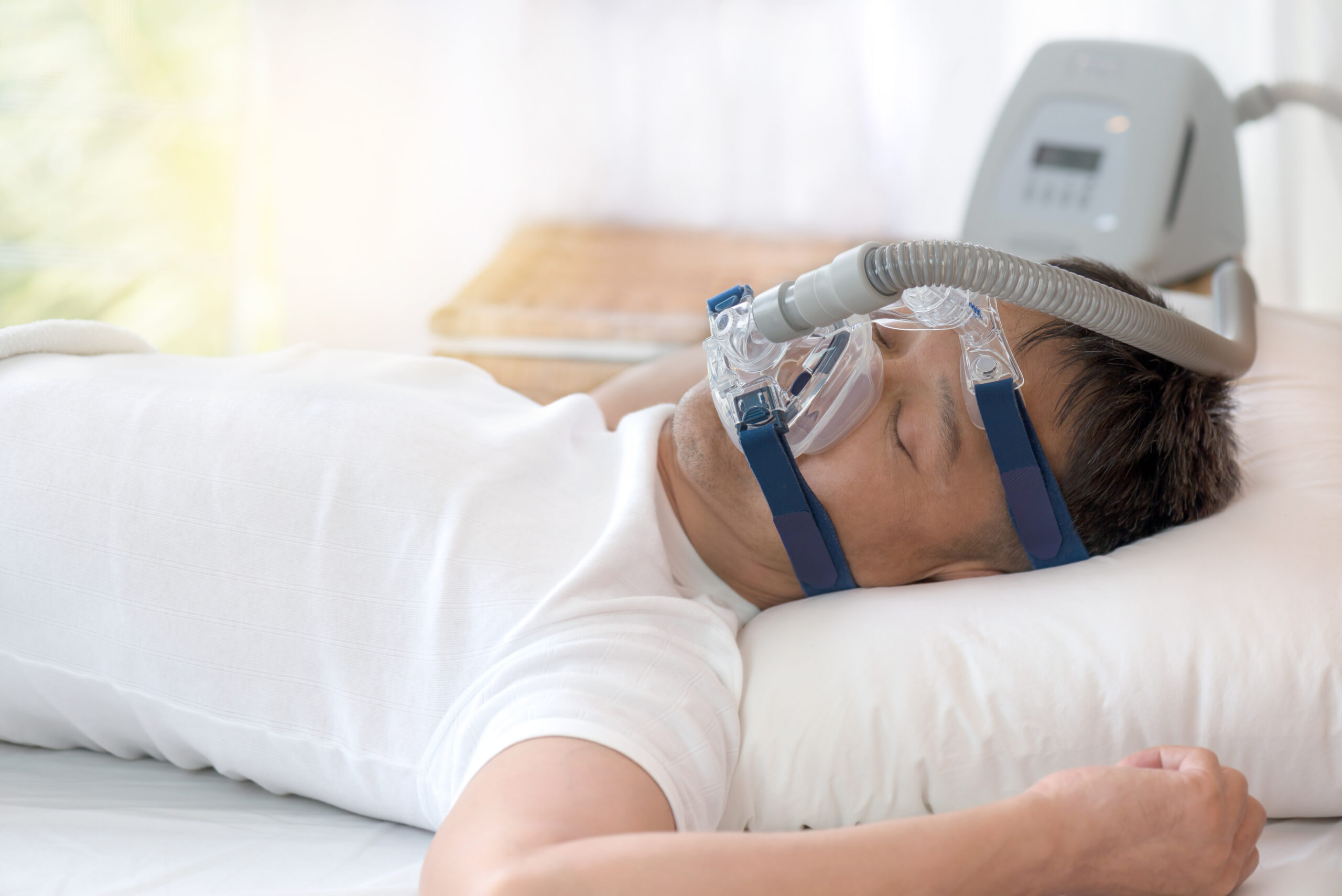
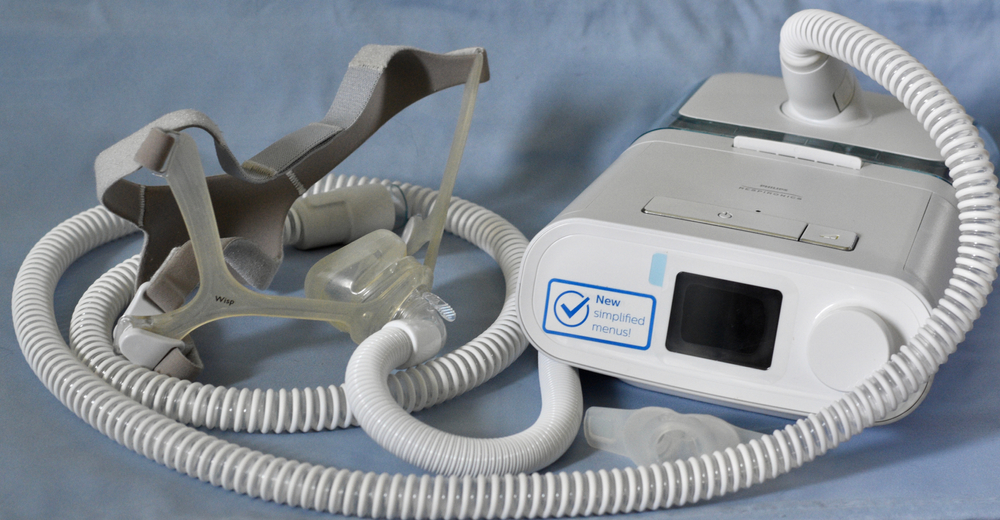
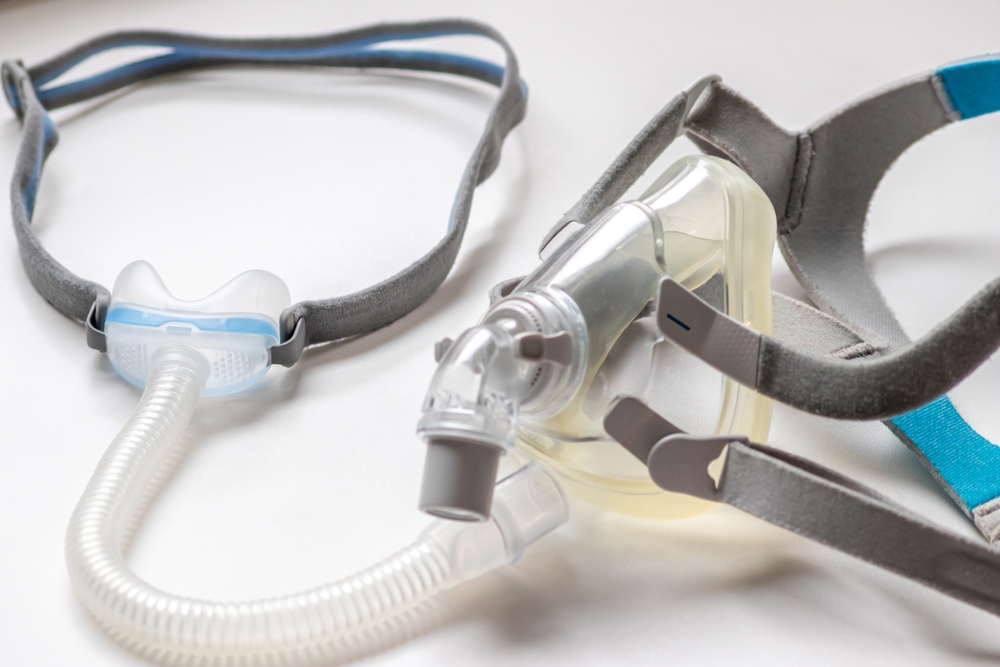
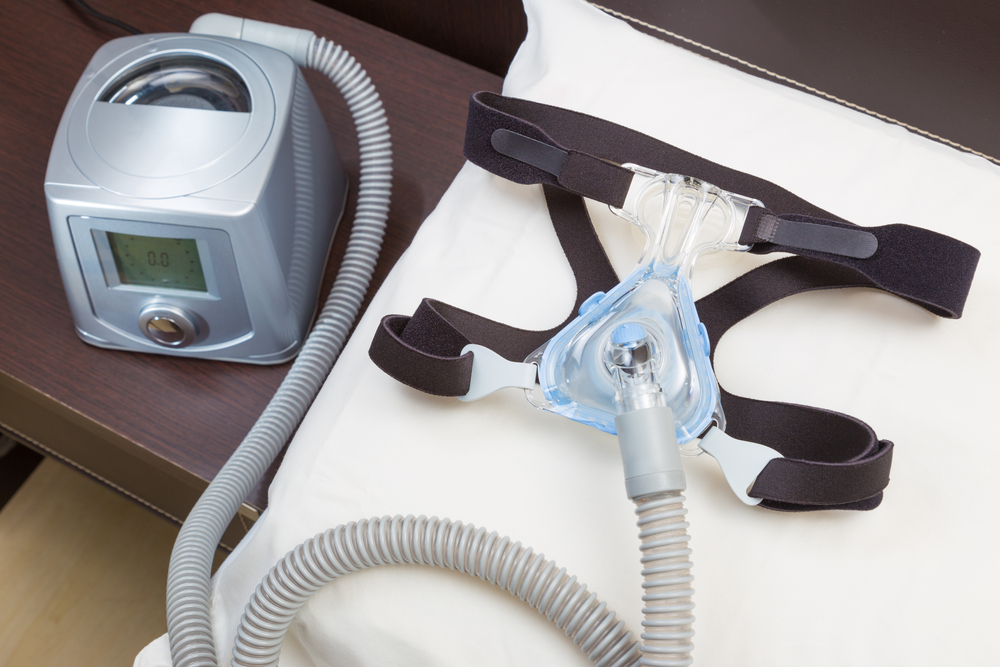
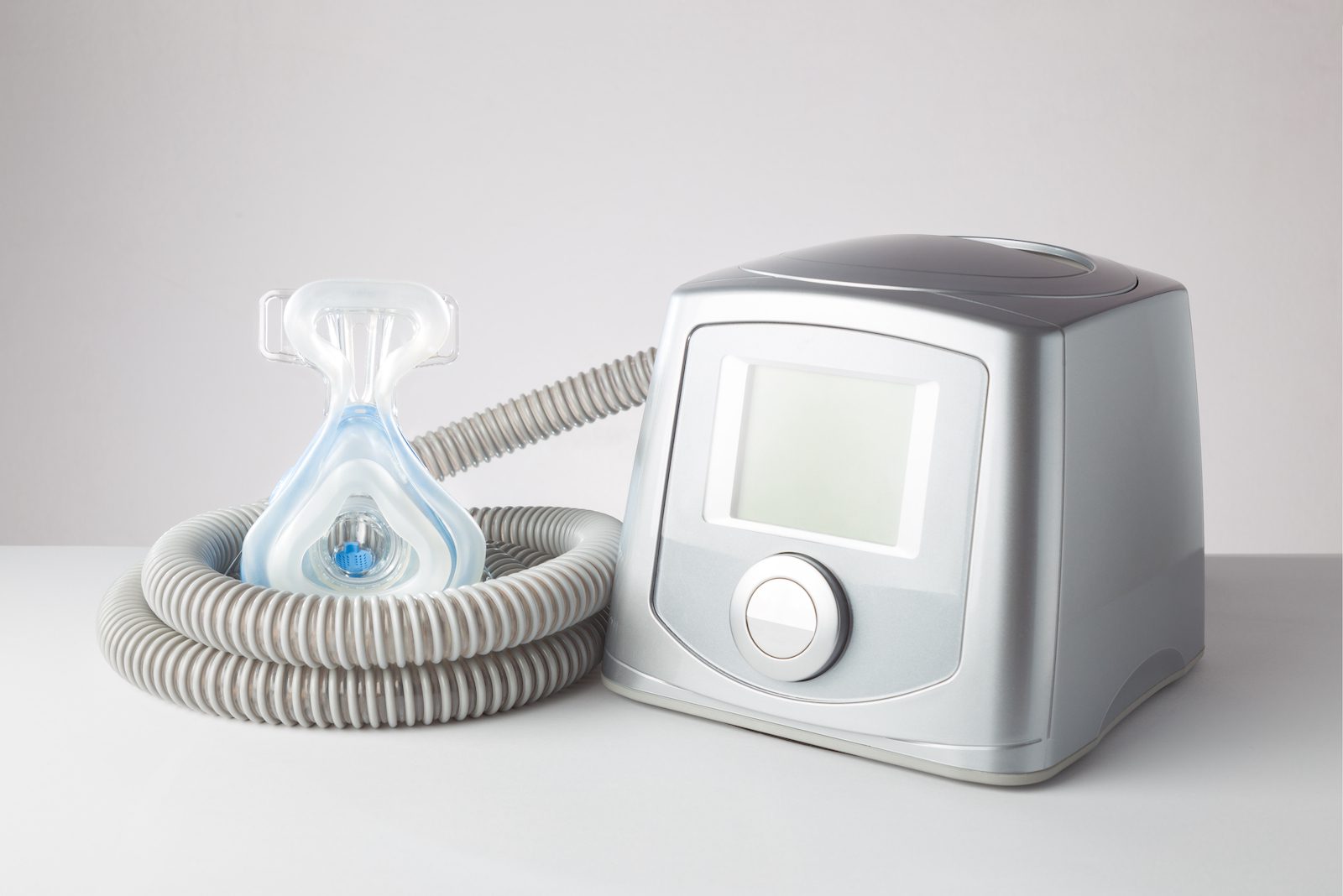
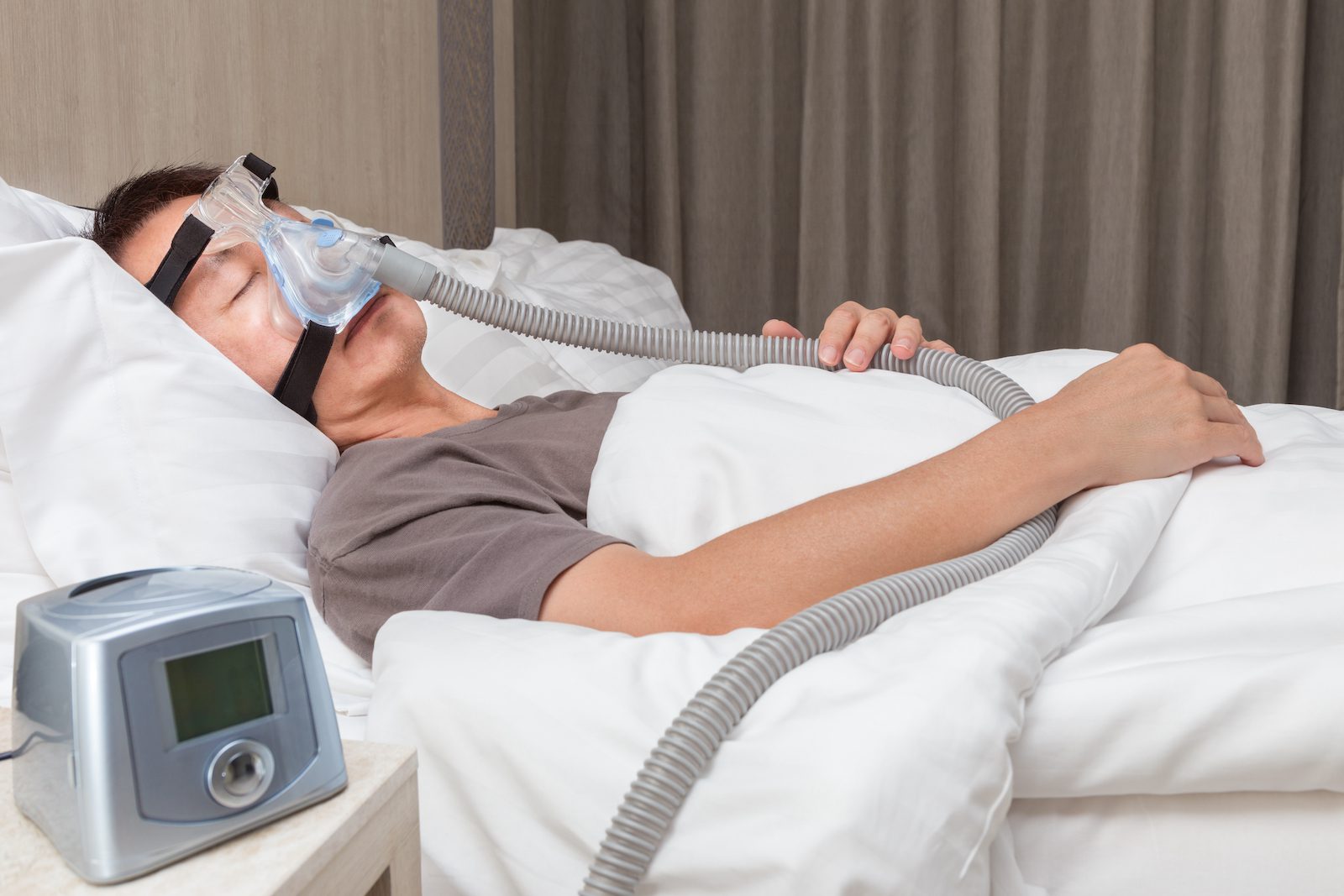
PAP devices, including CPAP machines, send pressurized air through a hose and mask and into the airway. CPAP humidification adds moisture to the flow of air so that it causes less irritation and dry mouth.
In older models, moisture was added by having the air flow over the surface of water in an attached reservoir. This is known as passive humidification or cold passover humidification. However, there are limits to how much moisture can be added with this method.
As a result, CPAP manufacturers began including heated humidifiers. Warmer air can hold more moisture, so heating the water in the reservoir enables higher relative humidity in the pressurized air from the CPAP machine.
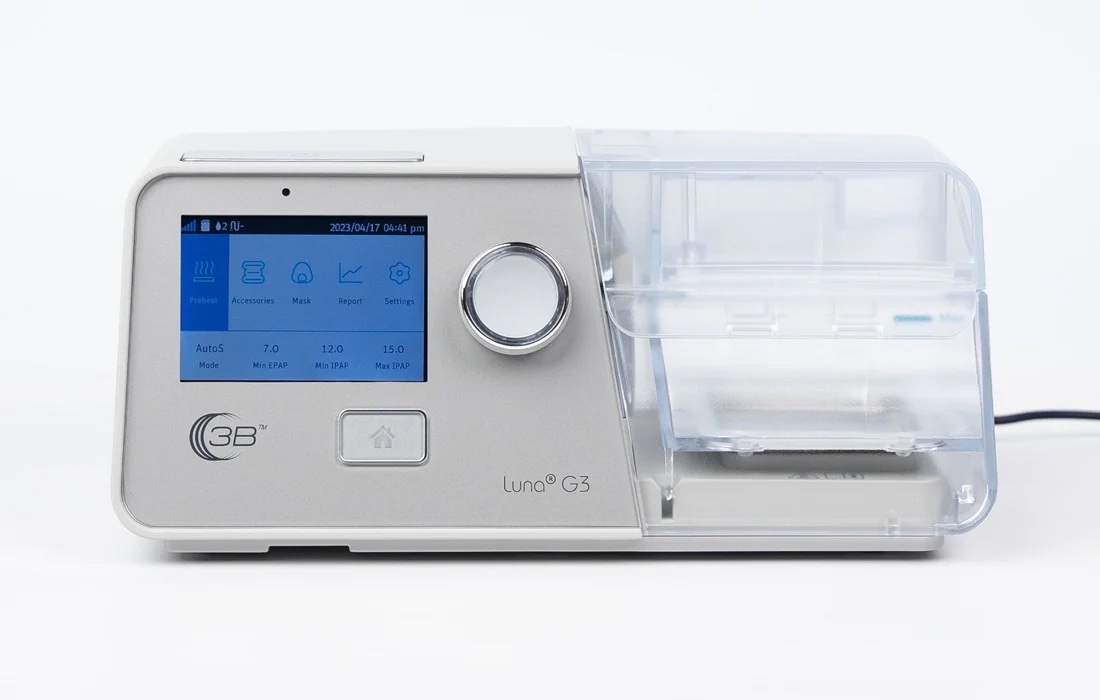
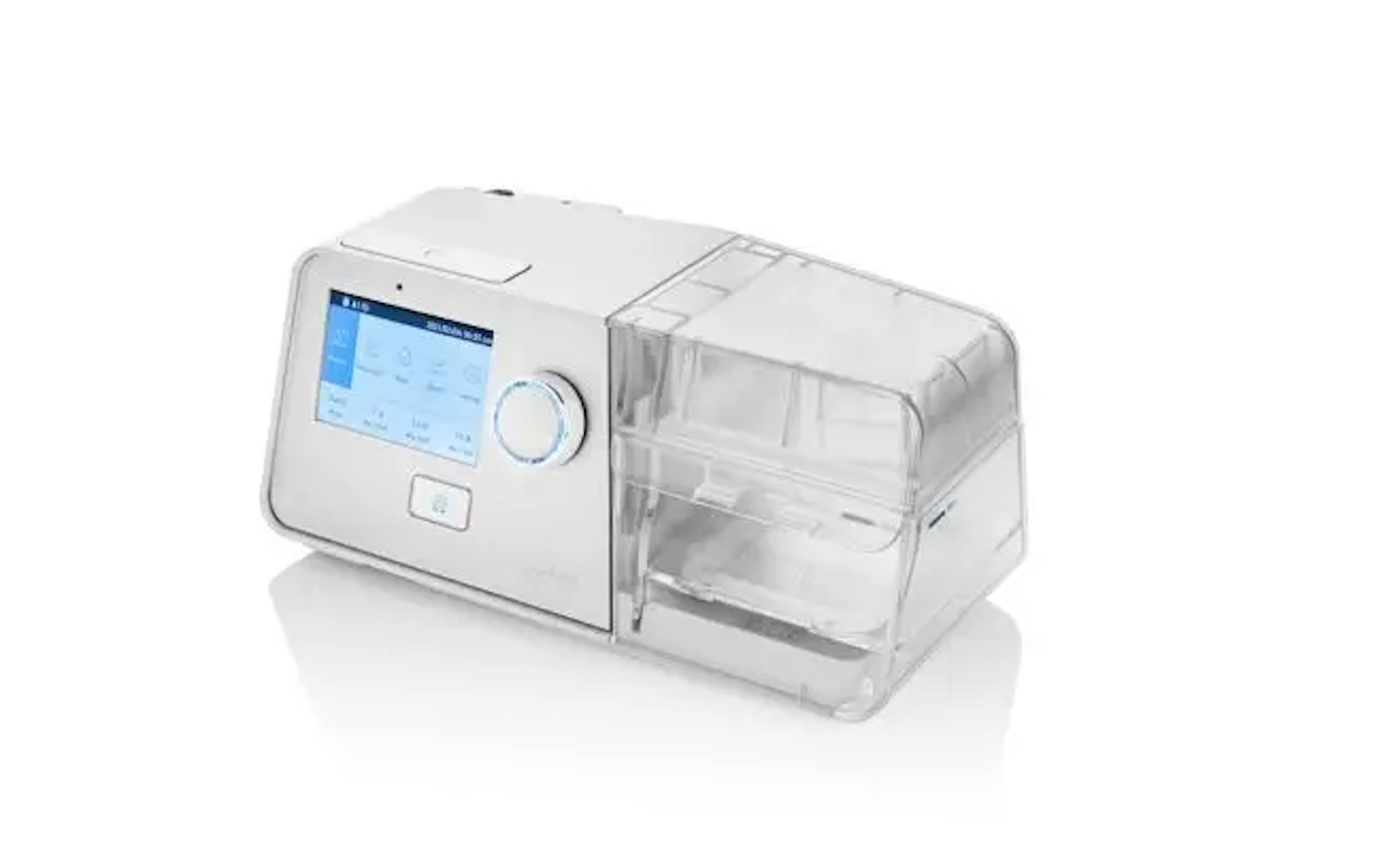
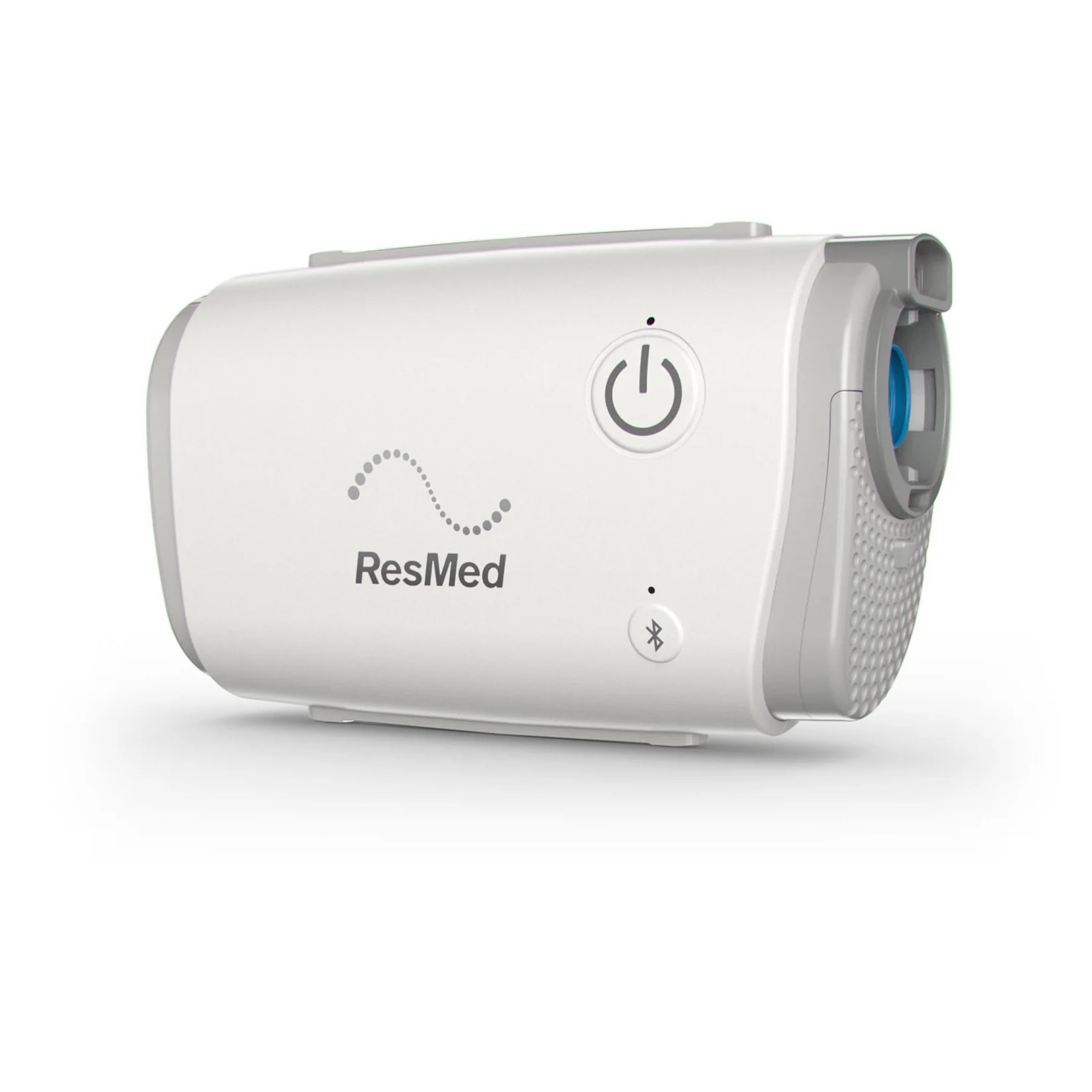
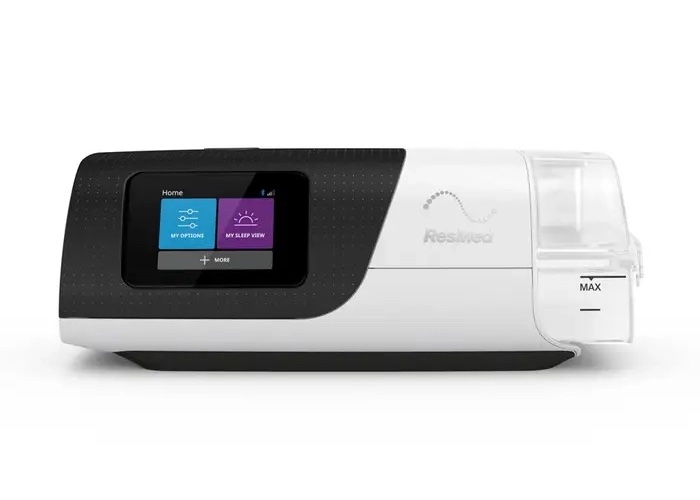
Today, heated humidifiers are a standard feature in most CPAP machines. Some humidifiers have fixed settings, while others have adjustable levels. Many modern devices can automatically modify the humidity based on variables like the CPAP pressure and room temperature.
Importance of CPAP Humidity Levels
Humidity levels are important because they can make CPAP therapy more comfortable and easier to stick with night after night.
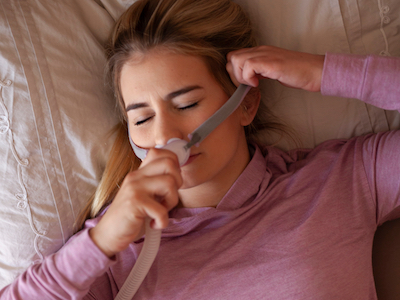
Many CPAP users find that pressurized air causes nasal irritation, including excess dryness, runny nose, congestion, or nosebleeds. CPAP therapy can also cause a dry mouth or sore throat. By adding moisture to the air from the machine, heated humidification can often reduce or eliminate these side effects.
CPAP therapy is only effective when the machine is used consistently. Unfortunately, some people stop using their device because of nasal irritation. In this way, having the right humidity level can enable long-term CPAP use.
For these reasons, organizations like the American Academy of Sleep Medicine (AASM) recommend the routine use of heated humidifiers for people with sleep apnea who use a CPAP machine.


Finding the Right CPAP Humidity Level
There’s no universal best humidity level for all CPAP users. Instead, many factors affect the right CPAP humidity settings for any individual.
- Local climate: More humidification may be required if you live in a dry region, such as the southwest United States, where dry air can make nasal irritation more likely.
- Season: During the colder months of winter, air holds less moisture, making CPAP-related airway dryness more significant.
- Home heating: Forced-air heating tends to reduce humidity in your bedroom. That said, some HVAC systems include humidifiers, so the impact of turning on the heat can vary from home to home.
- Severity of side effects: Not everyone experiences the same side effects from CPAP therapy. People with more severe dryness and irritation may need higher humidity settings.
- Mask leak: If a CPAP mask leaks air, it can make airway dryness worse. This can result from poor mask fit and from mouth breathing while using a nasal CPAP mask. Increasing humidity settings is one approach to try to counteract the effects of these air leaks.
- Potential for rainout: Condensation inside the CPAP tube (rainout) occurs when there is a significant difference between the temperature of the humidified air and the temperature of the bedroom. Heated tubing can prevent rainout, but those using unheated tubing may need lower humidity settings to avoid it.
- Personal comfort: Personal preferences play a role in setting CPAP humidity levels. Some users like the sensation of warmer, more humid air, while others find it stifling or uncomfortable.
Some older CPAP models have fixed humidity settings, but most devices today allow you to change the level of heated humidification manually.
These devices typically come with a default, mid-range humidity setting, giving you the ability to increase or decrease the humidity for your needs. In addition, some CPAP machines have an auto-adjusting function that automatically manages both humidity and tube temperature over the course of the night.
Signs Your CPAP Humidity Is Too Low
Dryness and discomfort are the biggest signs that your CPAP humidity may be too low. These problems can include:
- Nasal congestion or stuffy nose
- Dry or irritated nasal passages
- Runny nose
- Nosebleeds
- Frequent colds or other respiratory infections
- Dry mouth
- Dry or sore throat
Signs Your CPAP Humidity Is Too High
While it’s more common for people to worry that their CPAP humidity settings are too low, they can be set too high. Some signs that your CPAP humidity is too high include:
- Rainout: If condensation collects inside your CPAP tube or mask, it’s a sign that the CPAP air temperature is much higher than the temperature of your bedroom. Unless you can heat or insulate the tube, you’ll need to turn down your CPAP humidity level to stop rainout.
- Empty water reservoir: If the humidifier’s water tank runs dry well before you wake up, it’s sometimes an indication that your humidity settings are too high. Mask leak and high CPAP pressure levels can also more rapidly deplete water in the reservoir.
- Persistent side effects: If you still have oral or nasal dryness despite a high humidity setting, you may need to address other issues, such as the fit of your mask or the pressure level of your CPAP machine.
- Discomfort: This is a matter of personal preference, but if you find the incoming air to feel too warm or humid, your settings may be too high.
How to Change Your CPAP Humidity Level
Every device is different, but in general, to change your CPAP machine’s humidity level, you’ll want to start by using the device’s display to go into the settings and finding the menu for humidification.
If your device offers an Automatic option, enabling Auto mode will allow the device to adjust the humidity level and tube temperature for you during the night.
Alternatively, you can manually set your humidity settings. For manual settings, follow these steps:
- Identify the current humidity level.
- Adjust the humidity up or down based on your situation and symptoms.
- Make corresponding adjustments to the heated tube temperature to prevent rainout.
In this process, it’s useful to review your device’s user manual, as it may offer suggestions for optimal settings and performance. You can also consult your doctor for guidance on your CPAP settings or for other steps to minimize the side effects from CPAP therapy.
Tips for Adjusting CPAP Humidity Levels
- It’s best to make small adjustments and test them out over a few nights. Take notes to keep track of the humidity level, how many hours you used the device, and the severity of your side effects. This can help you determine which setting works best.
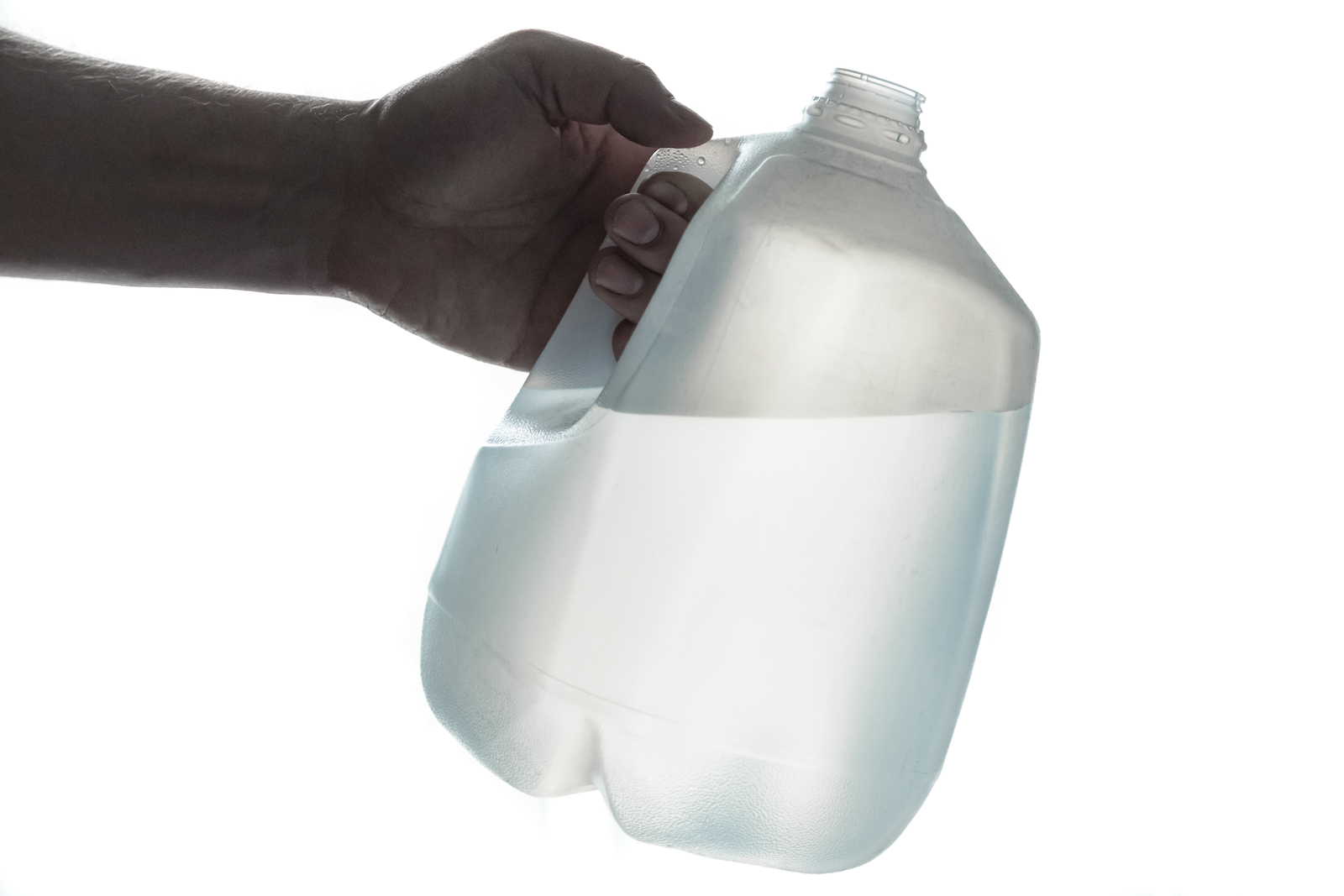
- When using heated humidification, it’s recommended that you fill the reservoir with distilled water instead of tap water. Using distilled water avoids mineral buildup that can affect the performance of the humidifier.
- If you use heated humidification in a cold bedroom, the warm air may quickly cool inside the tube, causing “rainout,” or condensation in the tube. To address this, many CPAP suppliers offer heated tubing to prevent moisture buildup.

Written by
Eric Suni, Contributing WriterEric Suni has over a decade of experience as a science writer and was previously an information specialist for the National Cancer Institute.